Automated provisioning
Linux, FreeBSD and Windows servers are ready a few minutes after the order is approved.

For VMware vCenter 7 and 8
Once an order is approved, the server is provisioned within minutes. An IP address is assigned, the password is set and the server appears in the customer's client area. None of these steps is done by hand.
WHMCS and WiseCP modules included
Integrations
Free trial
Try NovaVM free for 7 days on your own vCenter. Fill in the form, create your Netbyte account and we will add the trial service to it.
How it works
No manual work in vCenter. Provisioning starts as soon as the order is approved.
A suitable cluster, host and datastore are selected for the location.
The selected operating system is cloned from its template.
Hostname, password, IP and disk settings are applied inside the server.
The server boots with its assigned IP and appears in the client area.
Features
Designed around the daily operations of a VDS hosting provider.
Linux, FreeBSD and Windows servers are ready a few minutes after the order is approved.
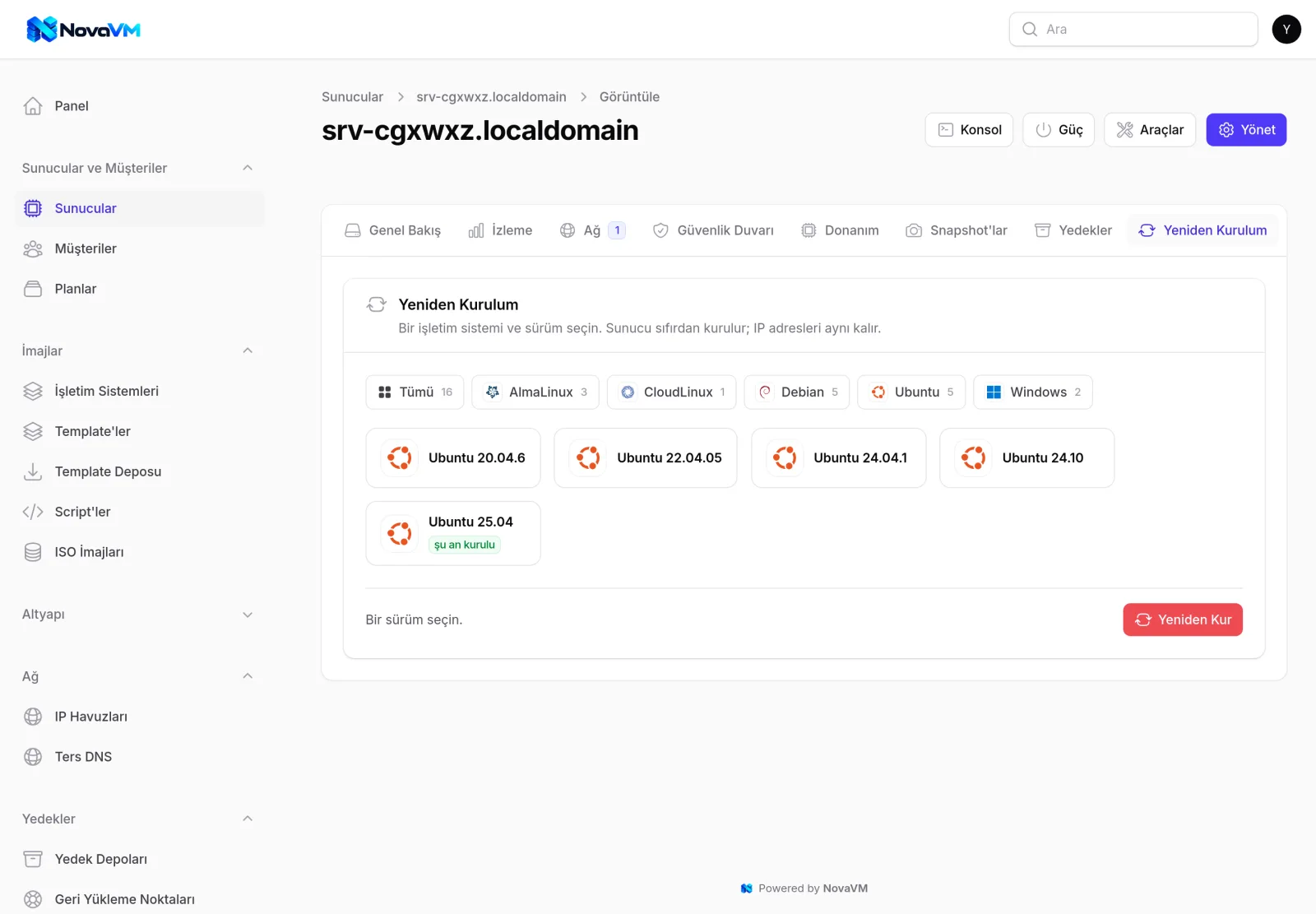
Power actions, console, reinstall, resource upgrades, snapshots and migration.
IPv4 and IPv6 pools, automatic IP assignment and PTR records with PowerDNS.
Backups without additional hardware, plus Veeam Backup & Replication support.
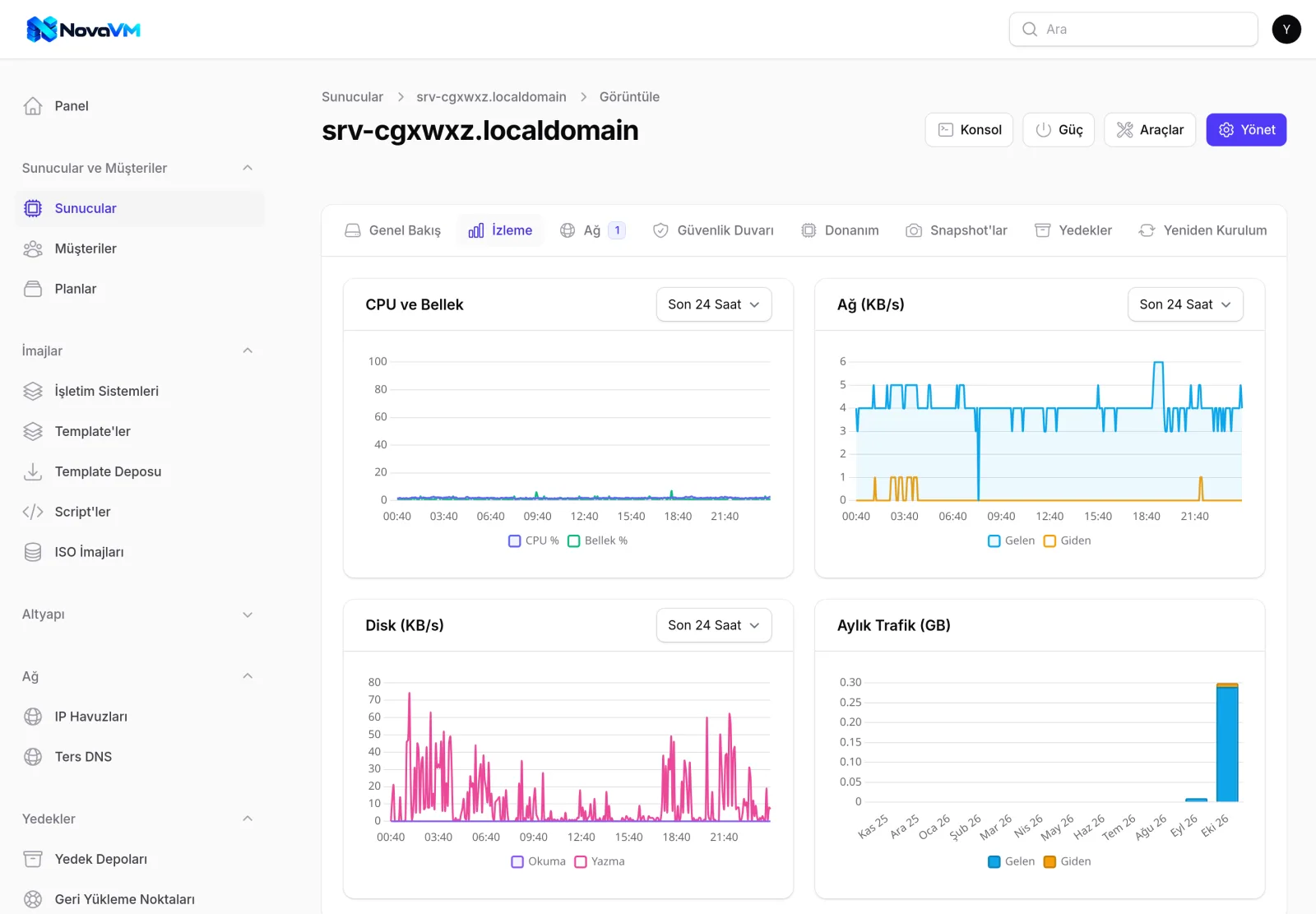
CPU, RAM, disk and network graphs. Traffic quotas and automatic alerts.
Per-server rules and protection against servers using IP addresses not assigned to them.
Customers manage everything from their own client area. Product options are created automatically.
Import your existing vCenter VMs and your DiyoVM installation into NovaVM without touching the servers.
Admin panel
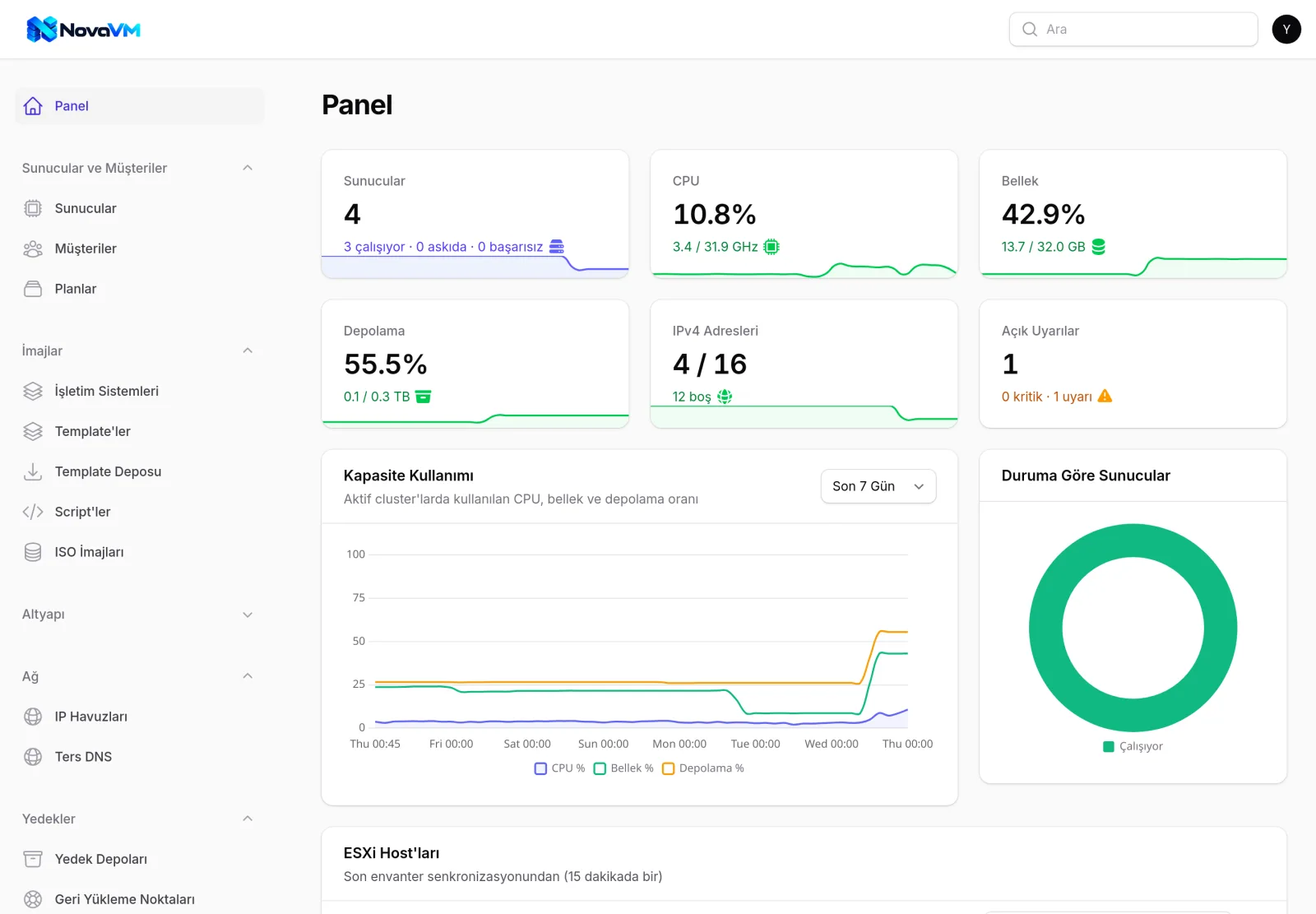
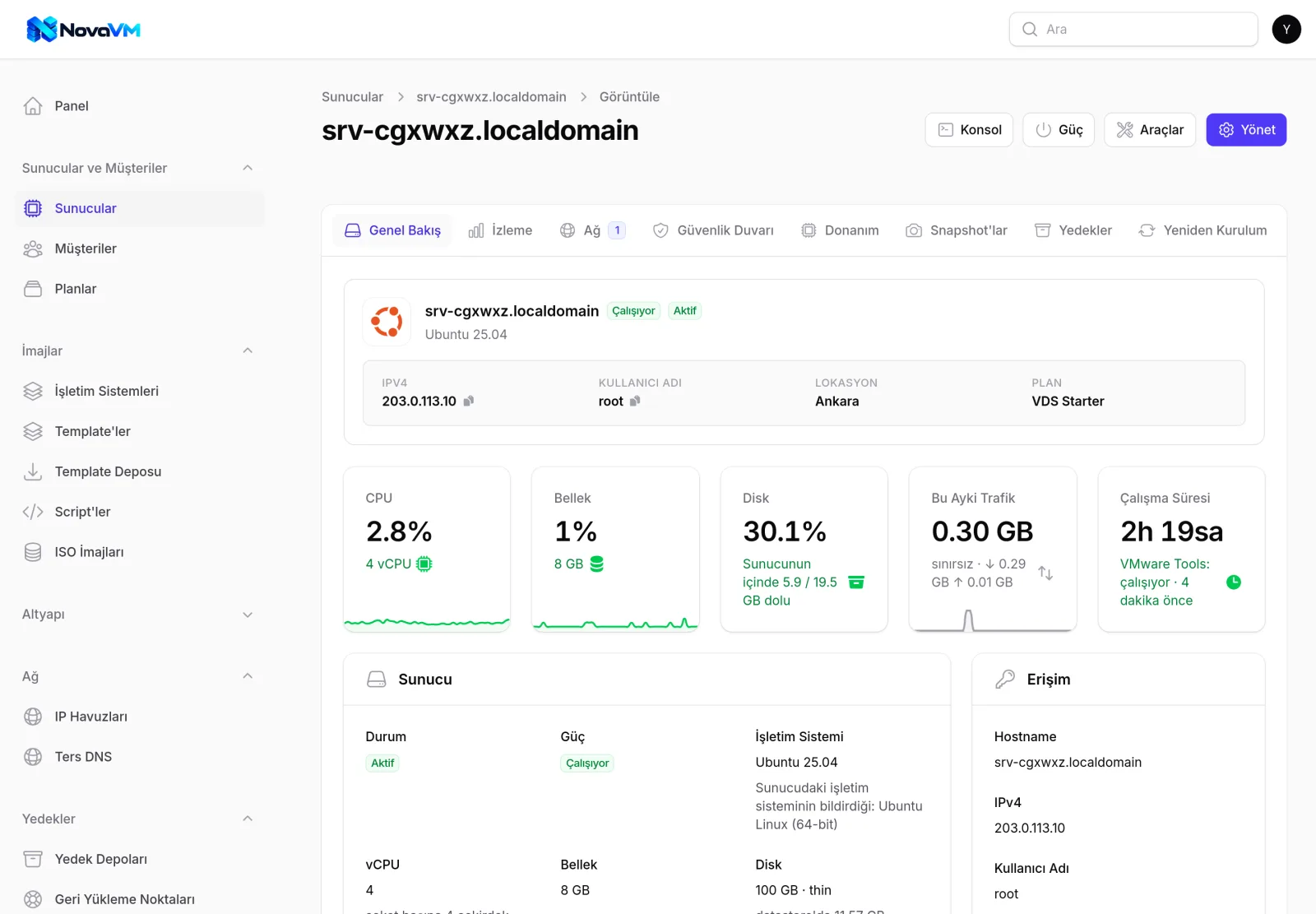
Frequently used sections of the admin panel.
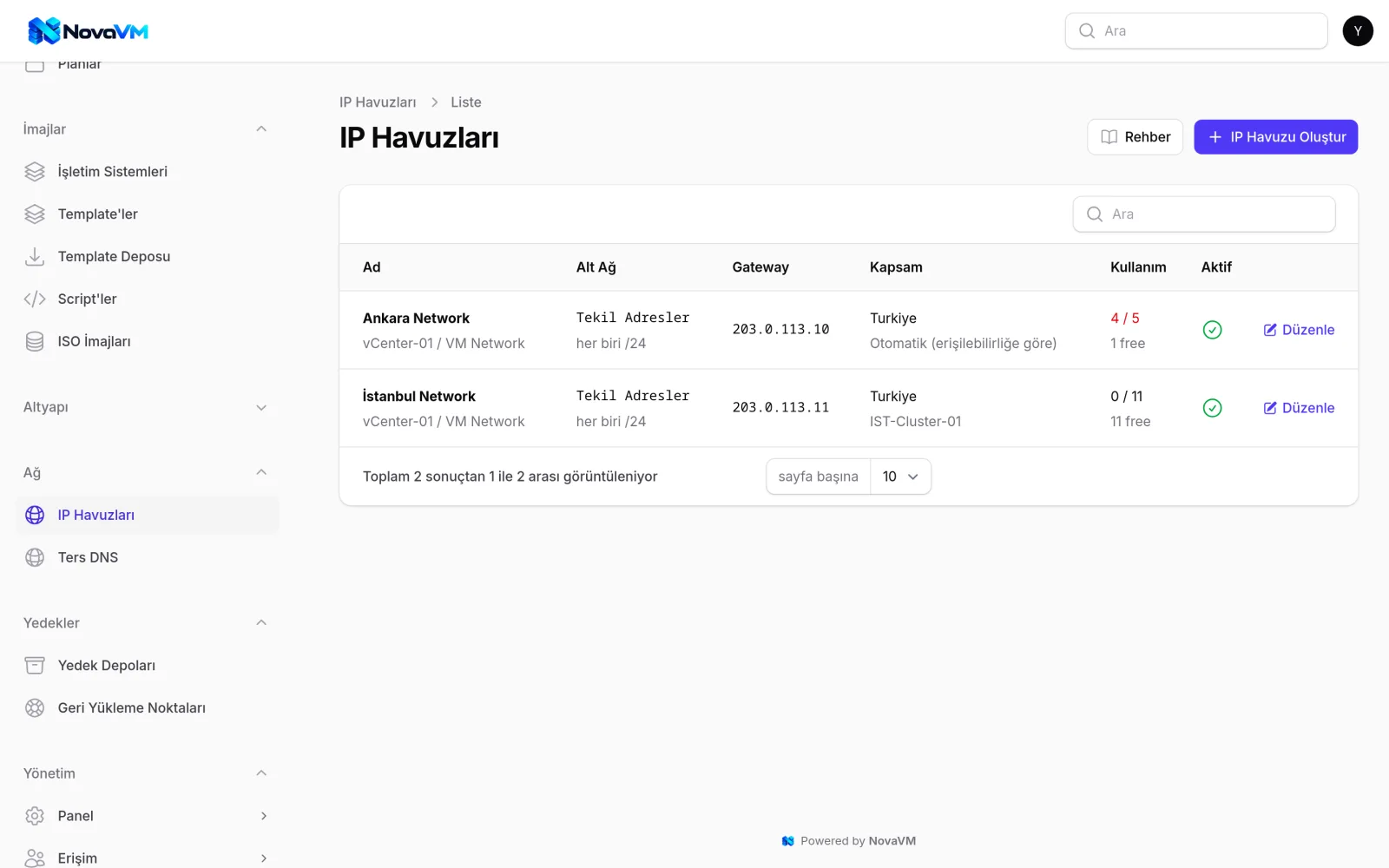
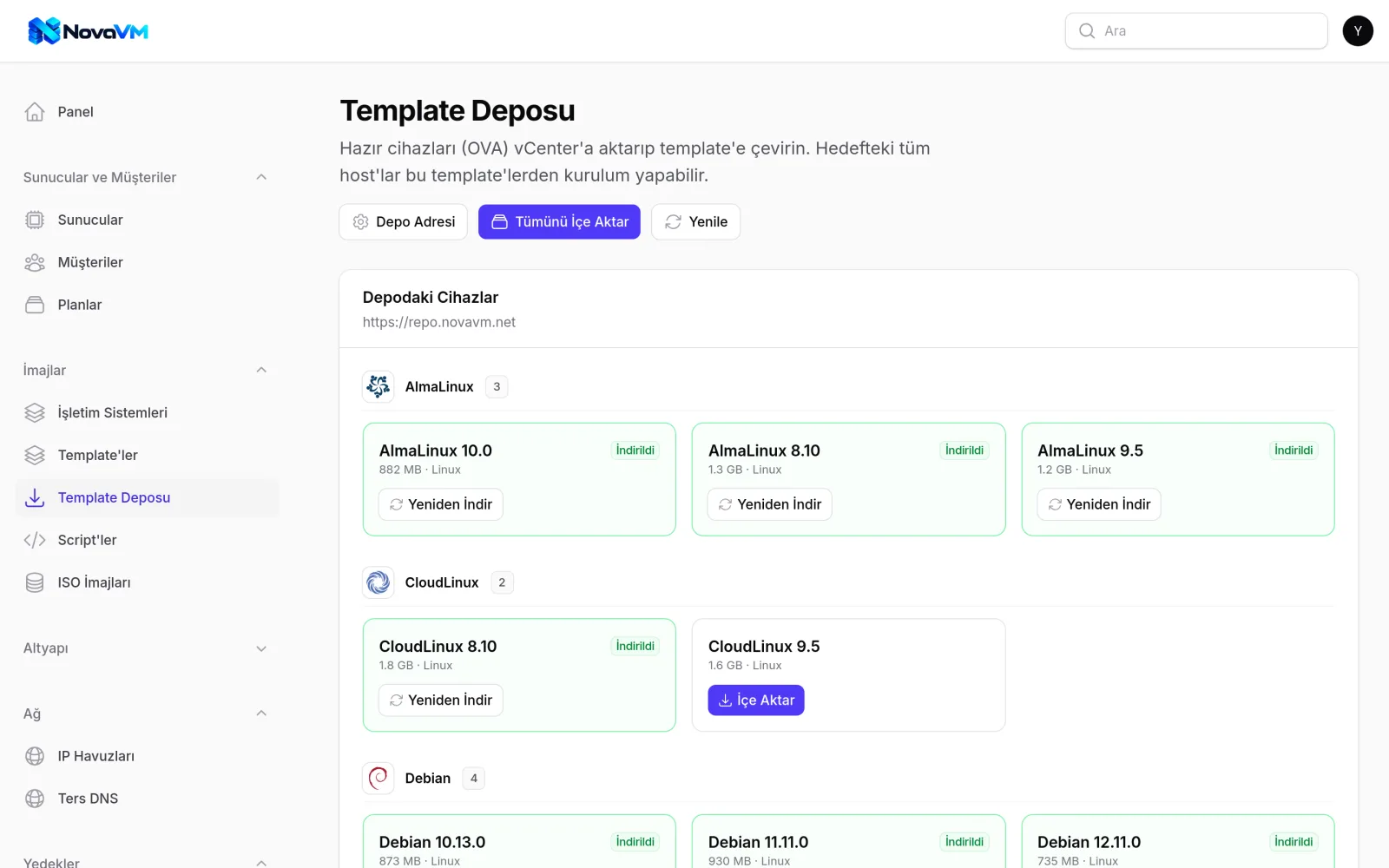
Continuity
Hardware failures can happen in any data center. When they do, NovaVM shows you and your customers the actual state of the servers.
When a host goes down, vCenter keeps reporting its servers as running. NovaVM detects this, marks the servers as "Unreachable" and shows the customer a clear message.
When HA restarts a server on another host, NovaVM detects the new location automatically within a few minutes.
Servers are not deleted even if the failed host is removed from vCenter. Server records and IP addresses are kept, and the servers are relinked automatically when the host is added back.
Integration
Power actions, console, reinstall, snapshots, backups, firewall, graphs and reverse DNS are all available in the WHMCS or WiseCP client area.
Common questions
No. NovaVM performs all operations through vCenter. No SSH or root access to ESXi hosts is required.
The license fee is based on the number of ESXi hosts you manage, with volume discounts as the number of hosts grows. There is no limit on the number of VDS.
Yes. You can try NovaVM free for 7 days. Select "Free trial" as the subject in the contact form, send it and then create your Netbyte account. We will let you know once the trial service has been added to your account.
No. Customers manage everything from the WHMCS or WiseCP client area. The web console also opens in their browser.
Yes. Windows Server and Windows desktop editions are supported. Hostname, password, network, disk and firewall settings are configured automatically.
Yes. IPv4 and IPv6 pools are defined separately. You decide how many IPv4 and IPv6 addresses each plan includes.
Run NovaVM on your own vCenter and see the full workflow before you decide. Prefer a guided tour? Request a demo.